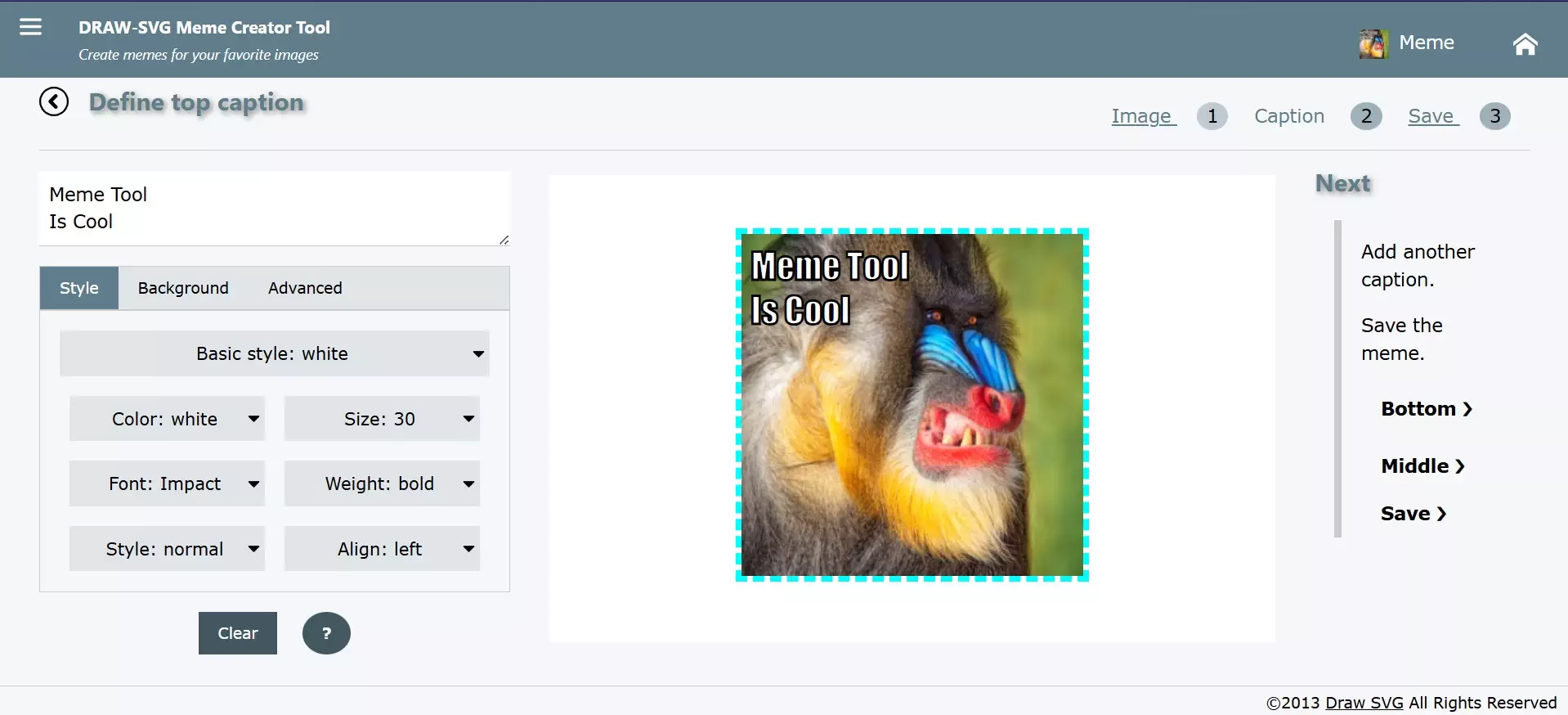
Creating a meme is very easy
A "Meme" is an image with an added message on it.

- Choose an image or a photo.
- Define the meme size.
- The meme can have up to three captions (top, center,bottom).
- Select a caption, enter its text.
- Adjust the text style.
- Background style and advanced properties (stroke color and filter).
- Then save the meme in SVG or PNG format.
- Finaly you can edit the drawing with the editor of DRAWSVG.
The Meme Creator tool
The tool's user interface consists of 3 successive screens:
- First, you need to choose the image and define its dimensions.
- Next, define the legends (top, bottom, middle).
- Finally, save the document in SVG or PNG format. Edit it with the Draw-SVG editor or publish it using the Board tool.